
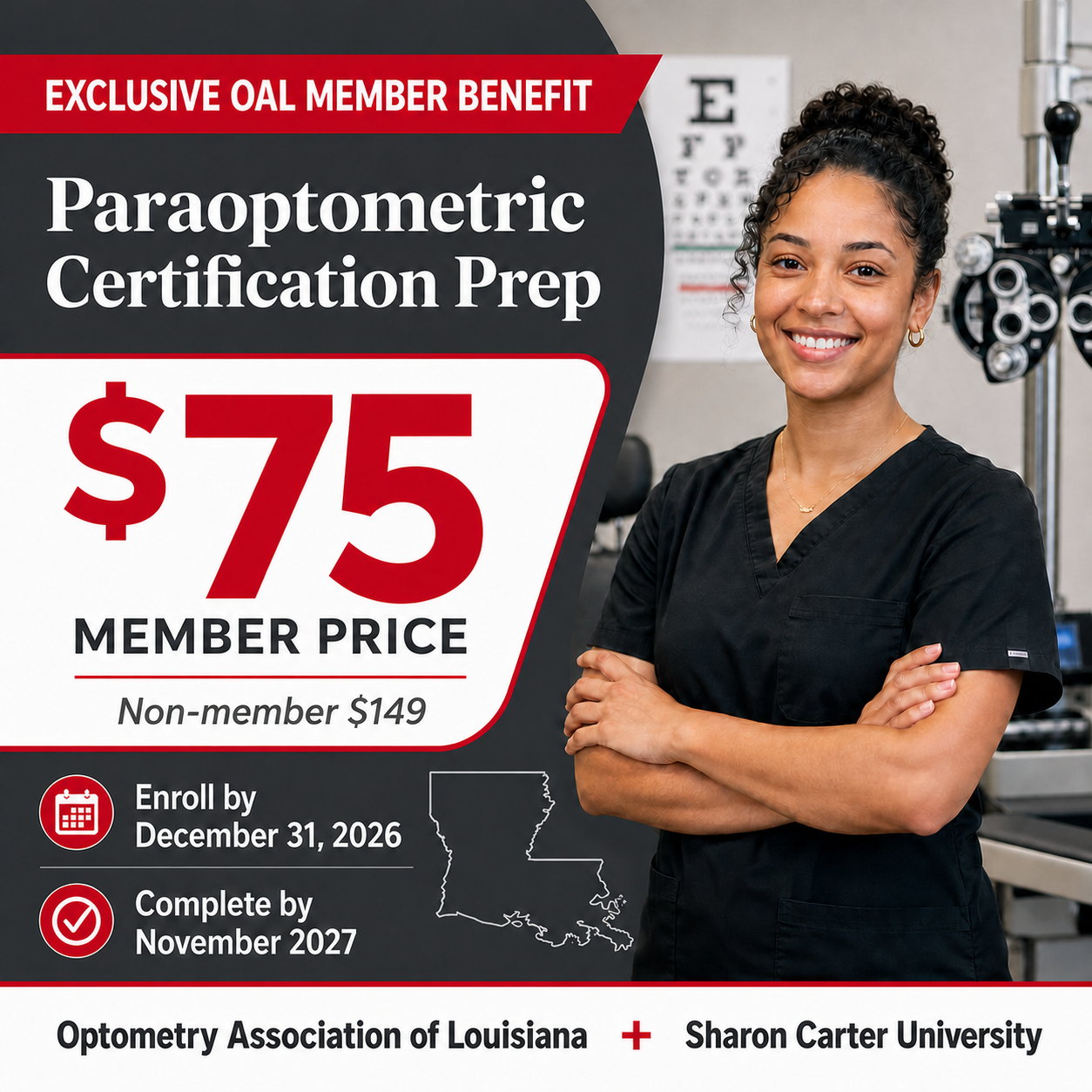
Exclusive OAL Member Benefit
Paraoptometric Certification Prep
Give new and developing optometric technicians a structured, self-paced path to stronger clinical skills and CPO™ exam preparation.
About the course
Technician Training: Mastering the Fundamentals of Eye Care
This comprehensive, self-paced online course helps new and aspiring optometric technicians build the knowledge, skills, and confidence needed to support providers, serve patients, and contribute to a high-performing practice.
Learners explore optometric terminology, ocular anatomy, patient communication, pretesting procedures, instrumentation, vision correction, and clinical workflow through engaging lessons, practical examples, interactive activities, and knowledge checks.
Ideal for onboarding new technicians, cross-training current employees, transitioning front-desk staff into clinical roles, and preparing for the Certified Paraoptometric (CPO™) examination.
A coordinated enrollment experience
One purchase. A clear next step for everyone.
The sponsored enrollment process keeps the purchaser informed while delivering role-specific access instructions directly to the Training Manager and each employee.
Enroll your practice
The purchaser provides practice details, names a Training Manager, and enters each employee who will participate.
Accounts are prepared
SCU creates or locates each account, organizes the practice team, and assigns the designated training access.
Everyone gets guidance
The Training Manager and learners receive separate account emails with the instructions appropriate to their roles.
Designed for practice-wide progress
Training support that extends beyond enrollment.
Your practice receives a structured team environment within Sharon Carter University, making it easier to get employees started and keep training visible.
- Practice team created beneath the OAL-sponsored organization
- Training Manager assigned as the team’s leader
- Employees matched securely by email and added to the practice team
- Training Manager access to the Leader Dashboard
- Progress oversight for enrolled employees
- Separate learner account setup and access instructions
Role-specific access
The right information reaches the right person.
After a sponsored order is processed, SCU separates the purchaser confirmation from the account instructions needed by the people managing and completing training.
Purchaser
Receives confirmation that payment and sponsored enrollment have been processed. No additional action is required unless SCU reaches out.
Training Manager
Receives account details, password setup guidance, and instructions for opening the Leader Dashboard to monitor employee progress.
Employees
Each enrolled learner receives a separate account email and instructions for accessing training through SCU.
Returning SCU users
Existing accounts are matched by email so participants can continue with their established SCU identity.
Ready to enroll your practice team?
Begin your OAL-sponsored enrollment and have your practice name, Training Manager information, and employee email addresses ready.
Coupon code: OAL2027
Helpful details
Frequently asked questions
Who should be listed as the Training Manager?
Choose the person at your practice who should oversee employee training and monitor course progress through the SCU Leader Dashboard.
What information should I gather before enrolling?
Have your practice name, the Training Manager’s name and email address, and each participating employee’s name and email address ready.
What if someone already has an SCU account?
SCU matches users by email. Existing users keep their established account, while new users receive account setup instructions.
Where do participants access SCU?
Participants can return to the SCU Learner Portal after setting their password.
Who can help with an order or enrollment question?
Email support@sharoncarteruniversity.biz for assistance.